Apple rates the AirTag battery at about one year, and that is a fair average — but real-world life ranges from around 6 to 24 months depending on how often the tag is pinged and what temperatures it lives in. Here is the full picture.
What Actually Affects Battery Life
The AirTag sips power when it sits still and spends more when it is frequently located, plays sounds, or uses Precision Finding.
| Usage Pattern | Typical Battery Life | Main Drain |
|---|---|---|
| Stationary / spare item | 18–24 months | Minimal ping frequency |
| Moderate (keys, wallet) | 10–14 months | Standard proximity updates |
| Heavy (pet, active bag) | 6–10 months | Frequent sound + Precision Finding |
| Extreme heat/cold exposure | 4–8 months | Battery chemistry degradation |
Why Cold Weather Triggers Early Warnings
AirTags are rated for −4°F to 140°F. In freezing temperatures the coin cell's internal resistance rises and voltage temporarily drops, which often triggers a premature "Low Battery" alert. Bring the tag back to room temperature and the voltage usually recovers and the warning disappears. Sustained heat is the more damaging extreme — a tag baking on a dashboard can degrade or swell the battery permanently.
How to Check the Battery Status
Apple does not show a percentage (coin cells have a flat voltage curve that makes percentages unreliable), so you are looking for a low-battery flag instead:
- Open the Find My app.
- Tap the Items tab.
- Select the AirTag you want to check.
- Look for a Low Battery banner or a red battery icon under its name. No icon means the level is fine.
When the battery gets critically low, your iPhone sends an "AirTag Battery is Low" notification, and you generally have a few days to a couple of weeks of use left.
How to Replace the Battery
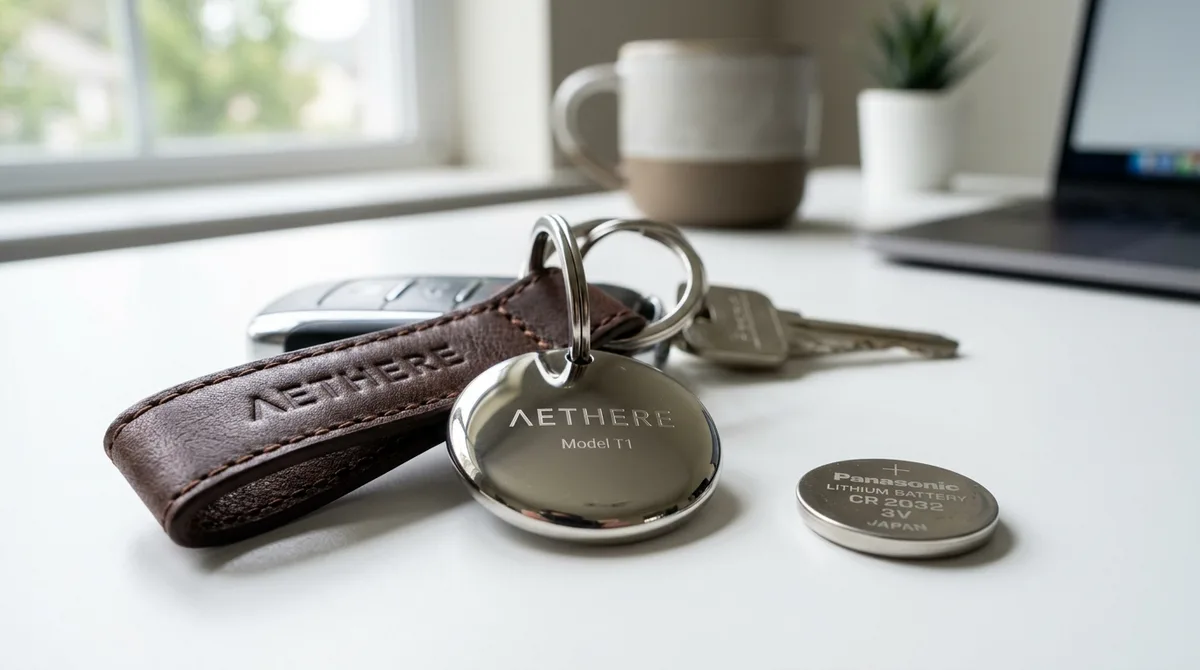
The AirTag uses a standard CR2032 3V lithium coin battery, available anywhere. To swap it: press down on the stainless steel back and twist counterclockwise, lift off the cover, drop in the new cell positive-side up, and twist the cover back on until it clicks.
One heads-up: some CR2032 batteries now ship with a bitterant coating (a safety measure to discourage swallowing). That coating can sit on the contacts and stop the AirTag from registering the new battery, so if a fresh cell "does not work," that is usually why — a battery without the coating will seat correctly.
How to Extend AirTag Battery Life
- Reduce Precision Finding and Play Sound use — these are the biggest active drains.
- Avoid temperature extremes — a dashboard in the sun degrades the battery permanently; freezing cold triggers false low-battery alerts that recover at room temperature.
- Use a quality CR2032 — cheaper cells can have lower real capacity.
What to Do When the Battery Dies
You'll get an "AirTag Battery is Low" notification on your iPhone with typically a few days to a couple of weeks of use left. Replace the standard CR2032 by pressing down on the steel back and twisting counterclockwise. One heads-up: some CR2032 batteries ship with a bitterant coating that can prevent the AirTag from registering them — if a fresh battery "doesn't work," that coating is usually why.
Frequently Asked Questions
How long does an AirTag battery last?
About a year on average, ranging from 6 to 24 months depending on how often the tag is pinged, plays sounds, or uses Precision Finding, and on temperature exposure.
What battery does an AirTag use?
A standard CR2032 3V lithium coin battery, available at most stores and user-replaceable.
How do I check my AirTag's battery level?
Open the Find My app, tap the Items tab, select the AirTag, and look for a low-battery banner. Apple does not show a percentage because coin cells have a flat voltage curve.